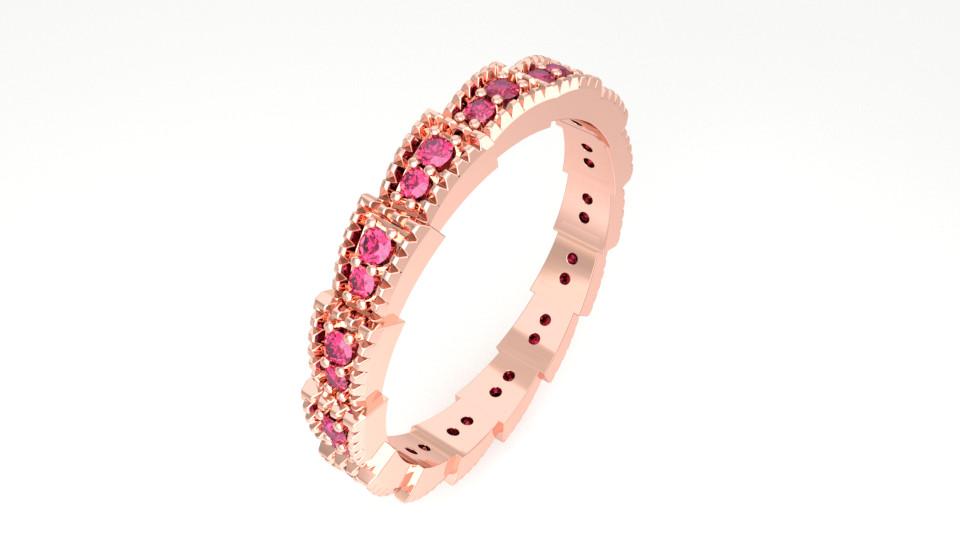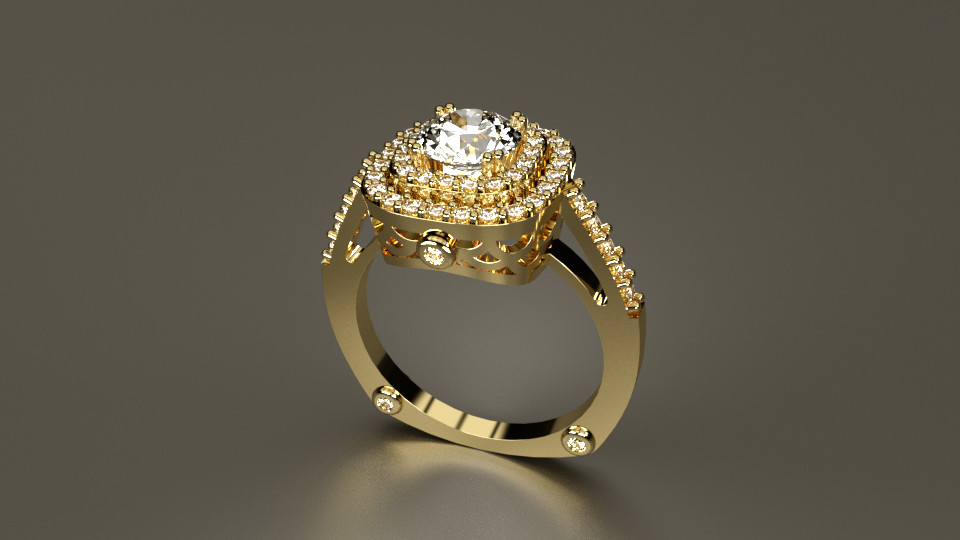
Rhino For Jewellery
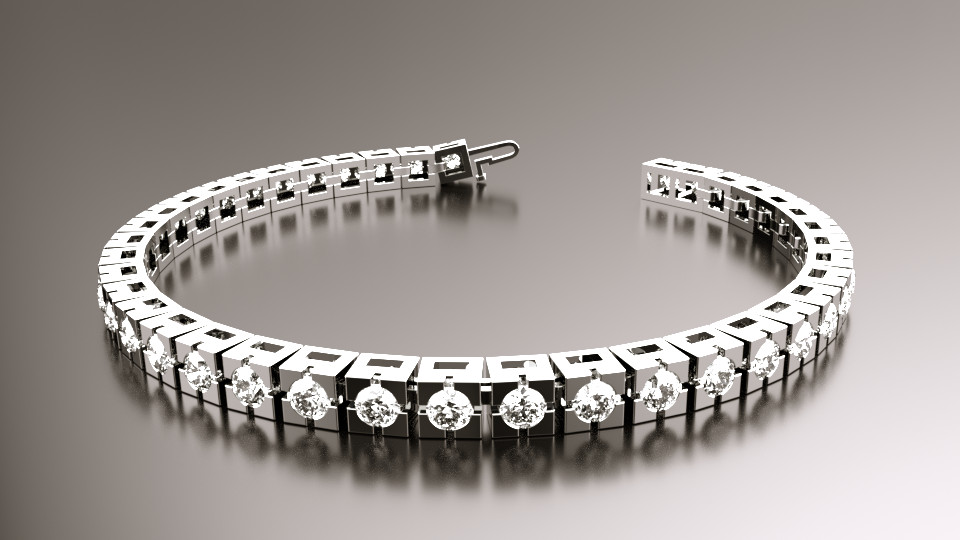
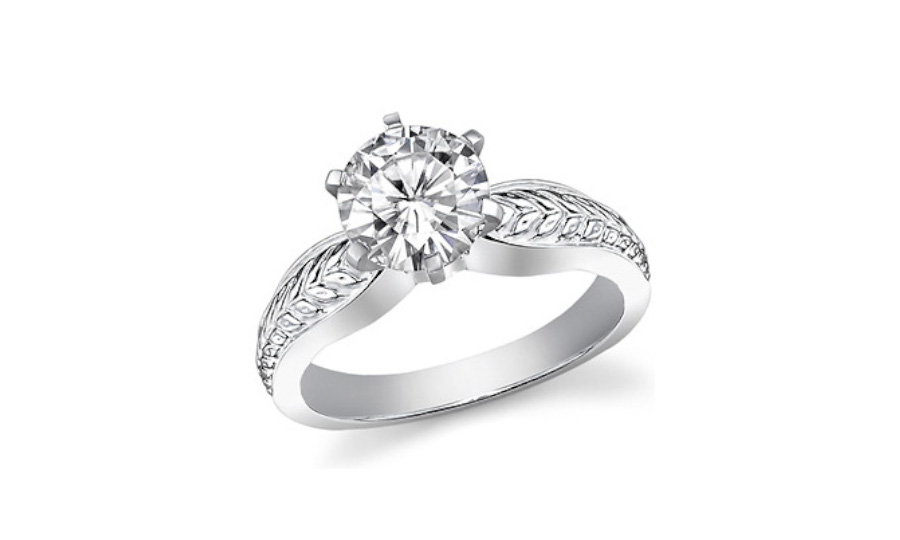
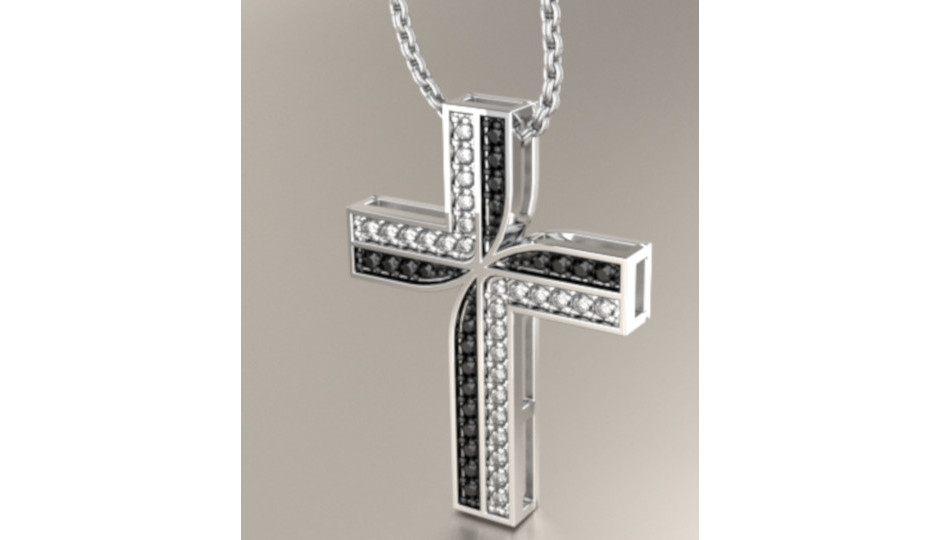
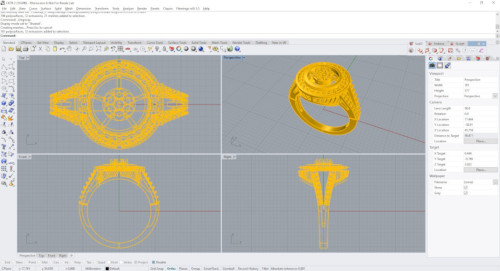
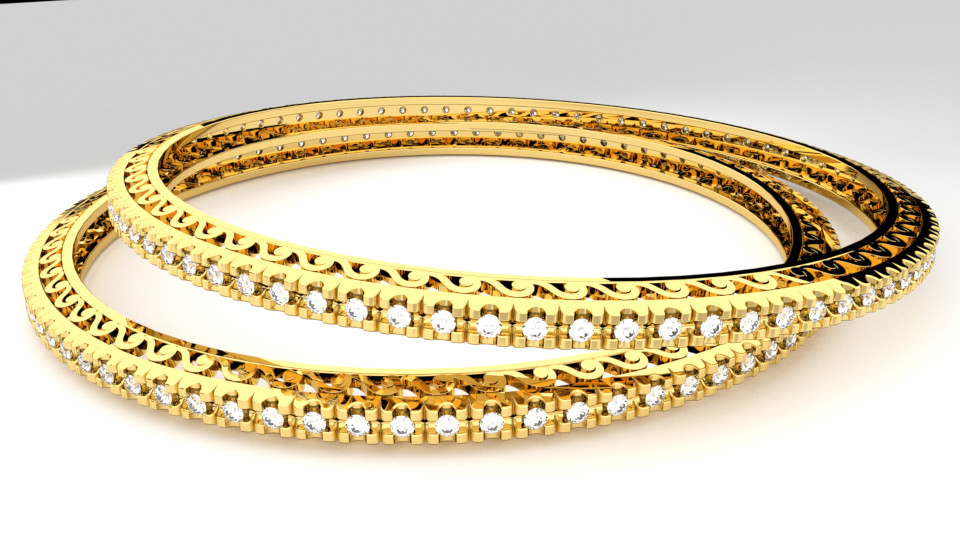
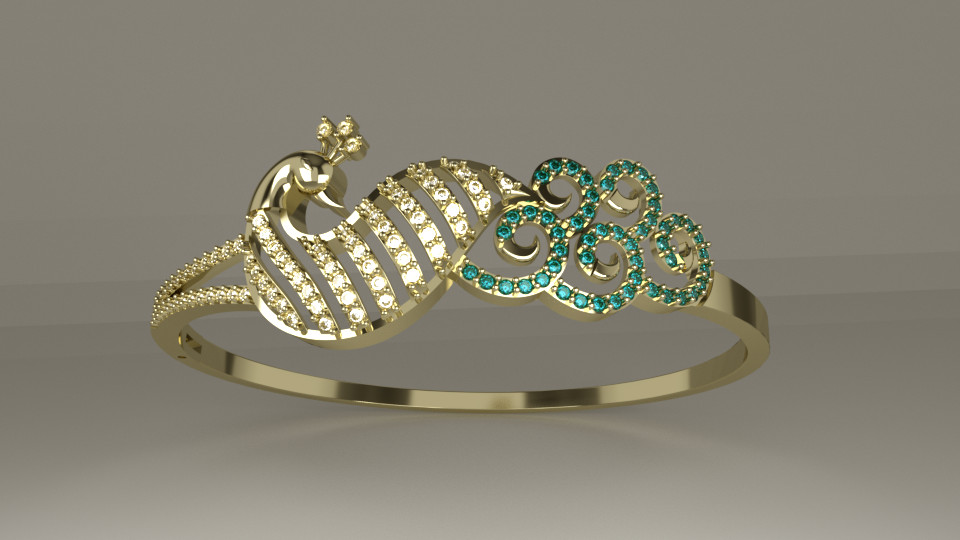
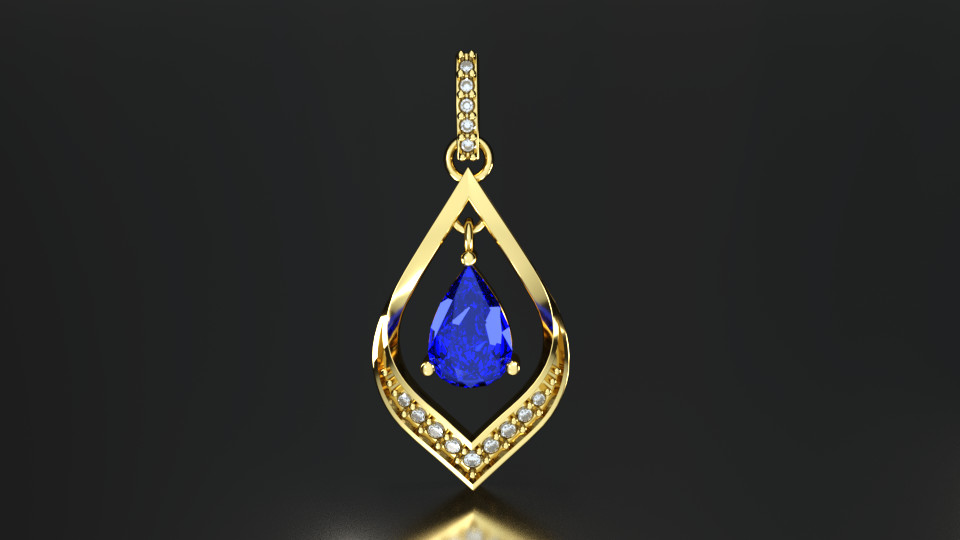
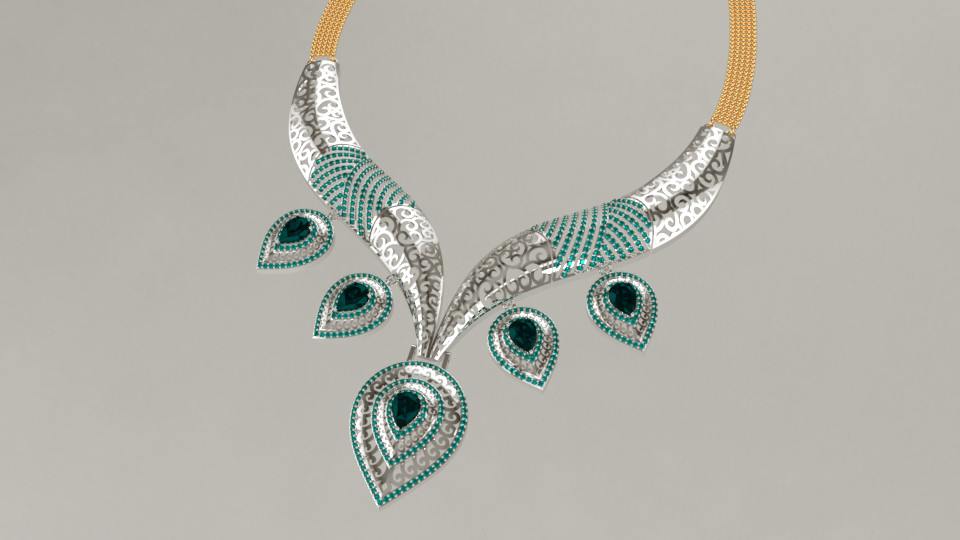
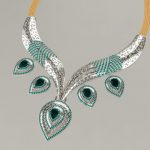
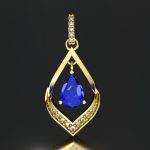
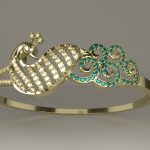
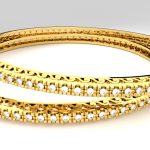
This is a comprehensive course of Rhino for Jewelry and includes 17 settings and 42 designs which will give you a hands-on hold over the software. Create, Edit, Animate Jewelry designs We have created a comprehensive course with designs for you to learn Rhino for Jewelry. Rhino is strong in surfaces. We will initially cover the Interface, Navigation and Display to have a base understanding of the software. The next step is where you will be introduced to Modelling Aids and the understanding between lines, curves, surfaces and solids.
Having understood the basics, we will then learn all about curves, surfaces and solids. We will finally learn all about giving dimensions and creating layouts for presentations. This will be followed by understanding of meshes, tools, rendering and animation . We will then gain a thorough understanding of jewellery settings with the help of 17 detailed videos. Finally having gone through the making of 42 designs you are now ready to create production ready jewellery.
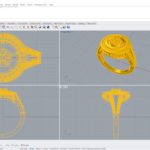
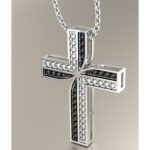
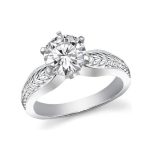
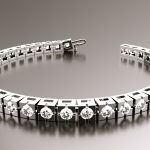
Course Overview
Chapter 1 - Interface, Navigation, Display (5 Sections)
Section 1 – Interface
Section 2 – Layer colours
Section 3 – Materials
Section 4 – Hide n lock
Section 5 – Selection
Section 6 – Viewports
Section 7 – Navigation
Section 8 – Basic Edit
Chapter 2 - Modeling Basics (8 Sections)
Section 1 – Modeling Aids
Section 2 – Gumball
Section 3 – Degrees
Section 4 – Precision Modeling
Section 5 – Elevation and CPlane
Chapter 3 - Curve Creation (3 Sections)
Section 1 – Lines
Section 2 – Curves
Section 3 – Circle to Polygon
Chapter 4 - Curve Editing (7 Sections)
Section 1 – Extend Curves
Section 2 – Fillet, Chamfer, Connect Curves
Section 3- Blend Curves
Section 4 – Offset Curves
Section 5 – Curve from 2 Views
Section 6 – Cross Section Profiles
Section 7 – Continue Curve
Chapter 5 - Points from Curves (1 Sections)
Section – Creation of Points from Curves
Chapter 6 - Surface Creation (8 Sections)
Section 1 – Plane
Section 2 – Loft
Section 3 – Sweep1
Section 4 – Sweep2
Section 5 – Revolve and Rail Revolve
Section 6 – Complex Surface creation
Section 7 – Extrude Curves
Section 8 – Patch
Chapter 7 - Curves from Objects (3 Sections)
Section 1 – Project and Pullback
Section 2 – Creation of curves from existing objects
Section 3 – Create and Apply UV Curves
Chapter 8 - Curve Edit Tools (1 Section)
Section – Advanced Editing of Curves
Chapter 9 - Surface Editing (3 Sections)
Section 1 – Fillet, Chamfer, Blend surfaces
Section 2 – Offset Surface
Section 3 – Generate Developable Surfaces
Chapter 10 - Solid Creation (2 Sections)
Section 1 – Basic Solids
Section 2 – Advanced Solids
Chapter 11 - Surface Edit Tools (2 Sections)
Section 1 – Surface Manipulation
Section 2 – Surface Refinement
Chapter 12 - Edge Edit Tools ( 2 Sections)
Section 1 – Edge Operations
Section 2 – Edge Refinement
Chapter 13 - Solid Editing (2 Sections)
Section 1 – Boolean Operations
Section 2 – Solid Modifications
Chapter 14 - Solid Edit Tools (2 Sections)
Section 1 – Advanced Solid Tools
Section 2 – Solid Refinement
Chapter 15 - Transformation and Deformation Tools (2 Sections)
Section 1 – Transform Operations
Section 2 – Deformation Tools
Chapter 16 - Dimensions & Layouts ( 2 Sections)
Section – Dimensioning
Section 2 – Layout Management
Chapter 17 - Analyze (2 Sections)
Chapter 18 - Mesh (2 Sections)
Chapter 19 - Tools (2 Sections)
Section 1 – Utility Tools
Section 2 – Advanced Tools
Chapter 20 - Rendering & Animation (2 Sections)
Jewelry Settings ( 17 Sections )